
01BALANCE
14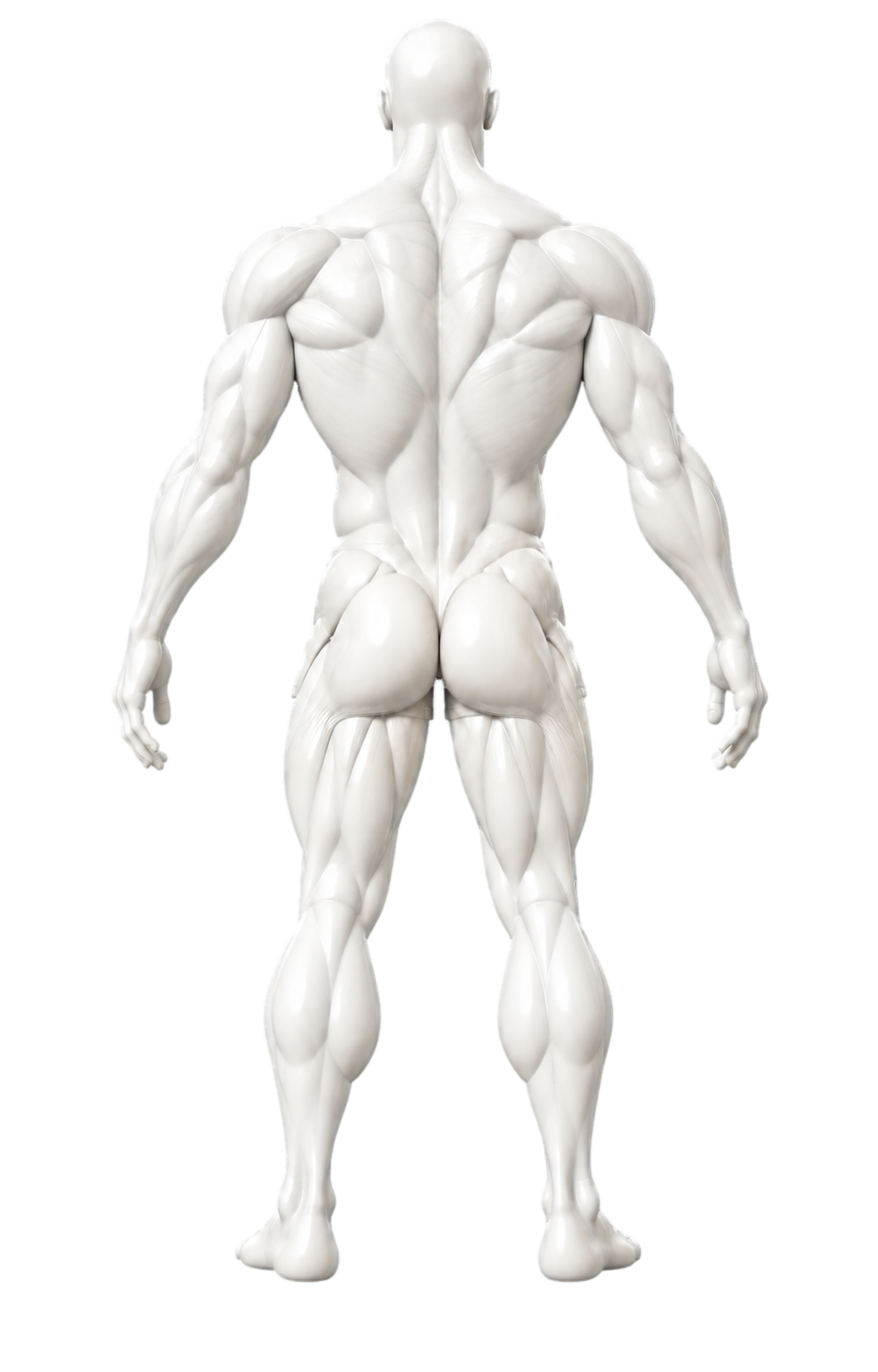
See where your effort goes.
Compare completed sets across 14 muscle groups and spot the patterns in your training.
YOUR BODY / THE WHOLE PICTUREA STRONGER
YOU,
MORE CLEARLY.
A free workout log for iPhone.
Plan, lift, and see your progress.
COMING SOON
FOR IPHONE
FREE · NO ACCOUNT
MOVEMENT
BUILDS
A BRIGHTER YOU
01 / CLARITY IN EVERY WORKOUT
Know what to train next. Keep familiar movements close.
See the progress you’re making, in a space that inspires you to return.
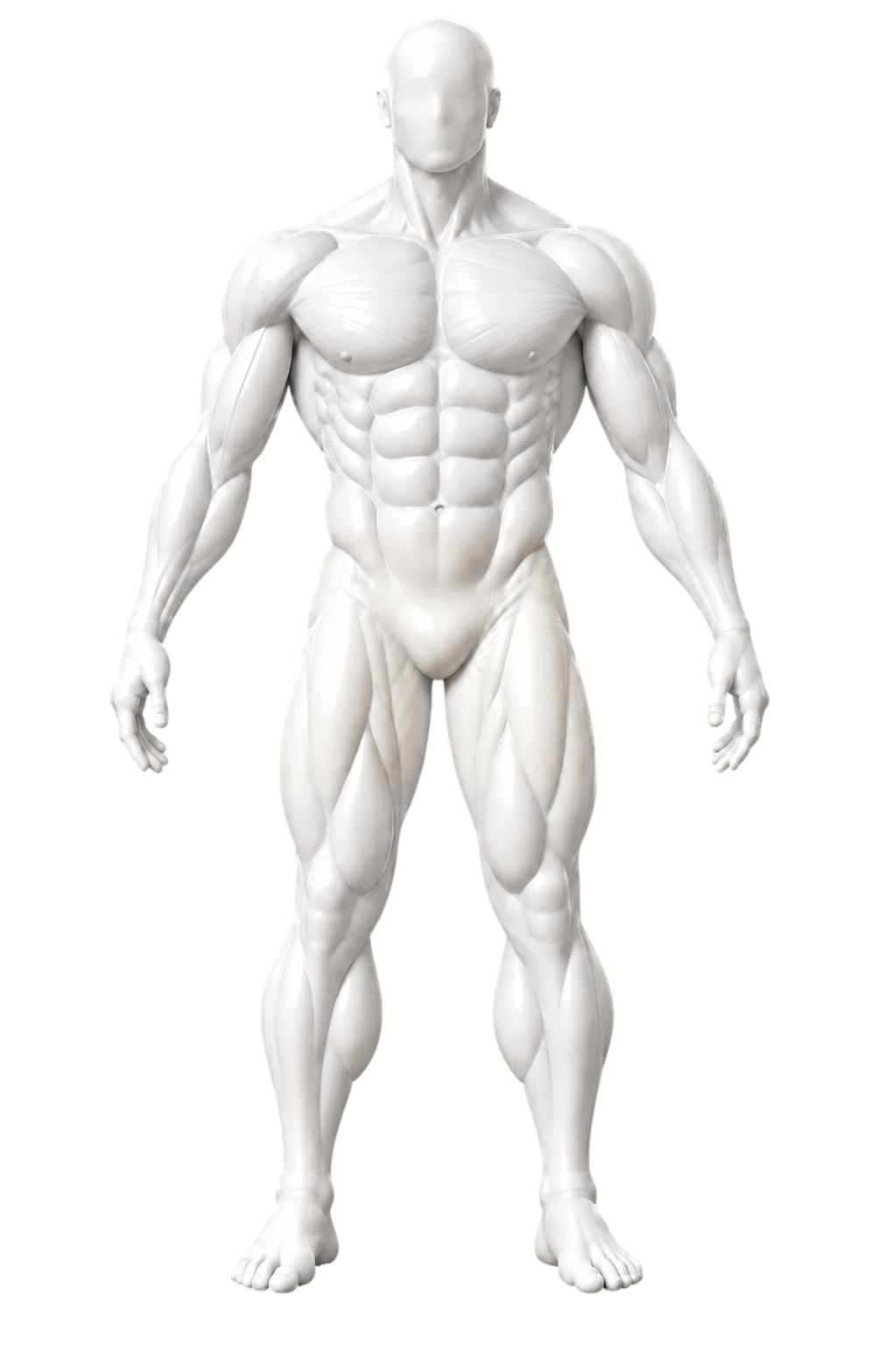
Meet your muscle groups.
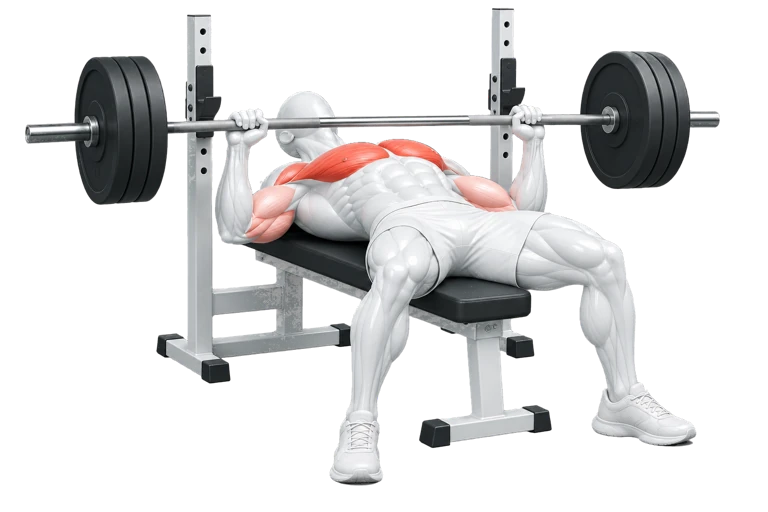 Bench press
One set at a time.
LESS GUESSING. MORE TRAINING.
See when you last trained each muscle group. As your history grows, Chisel suggests the previously trained group you worked longest ago, helping you choose where to focus next.
02 / YOUR MOVEMENTS, WITHIN REACH
When you choose a muscle group, recently logged primary exercises come first, followed by recent secondary exercises. Find your regulars faster, see the muscles they work, and spend more time on the workout ahead.
FAMILIAR MOVEMENTS. A CLEARER START.
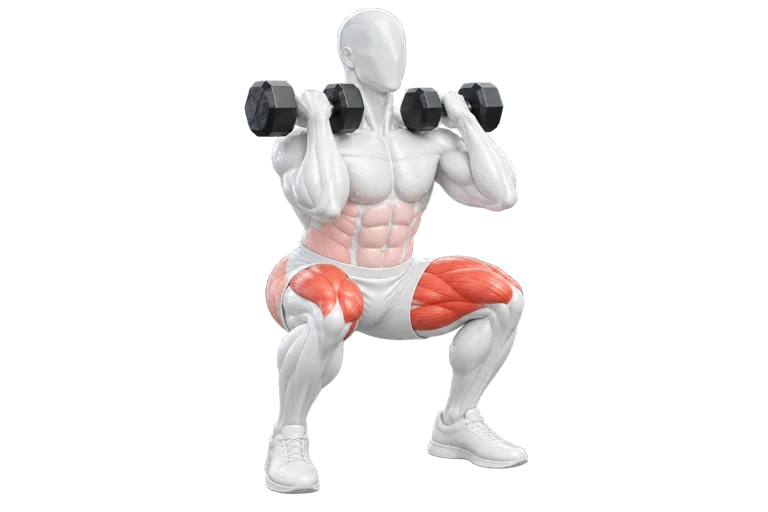
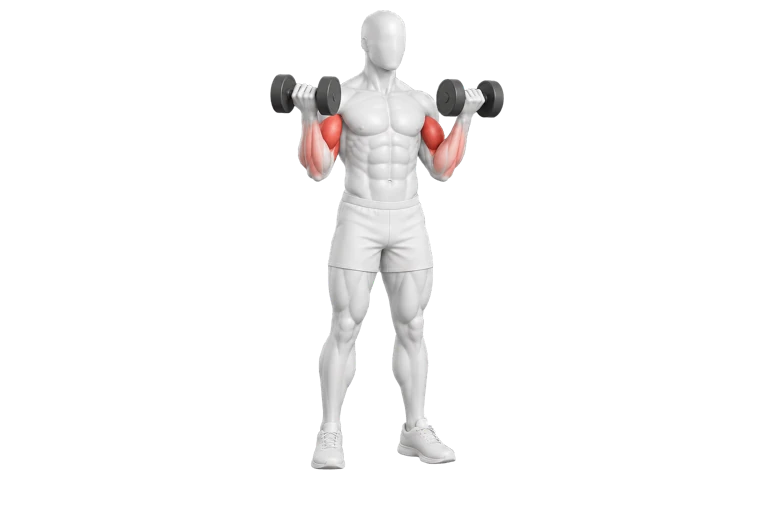
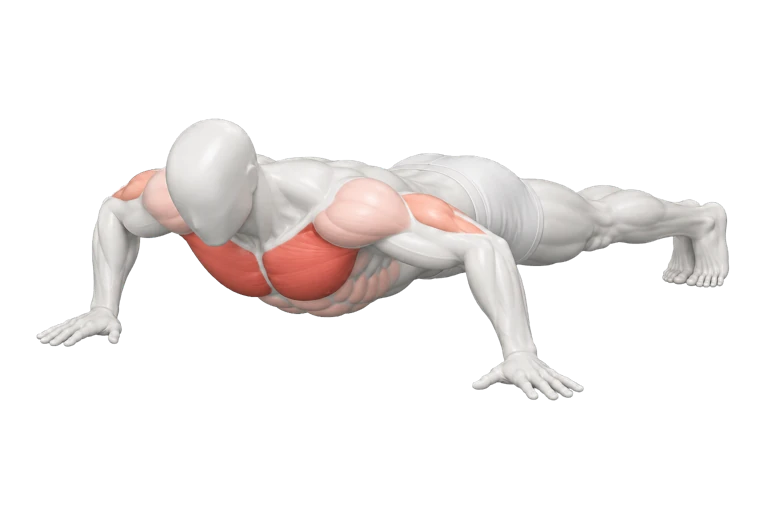
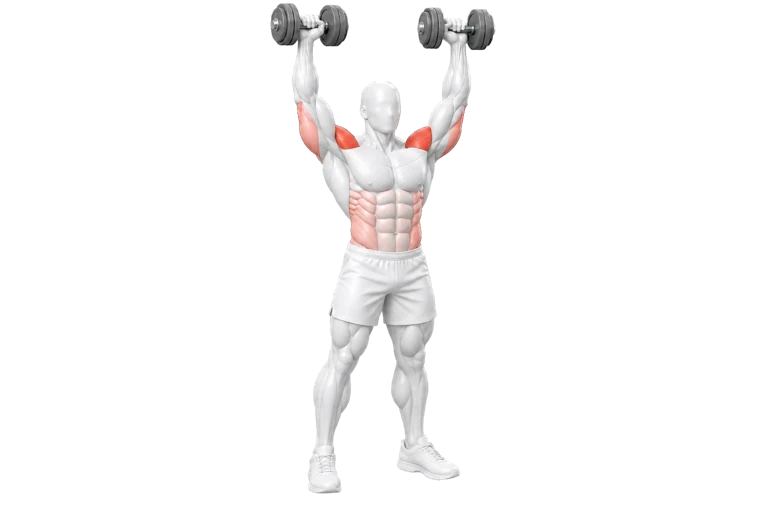
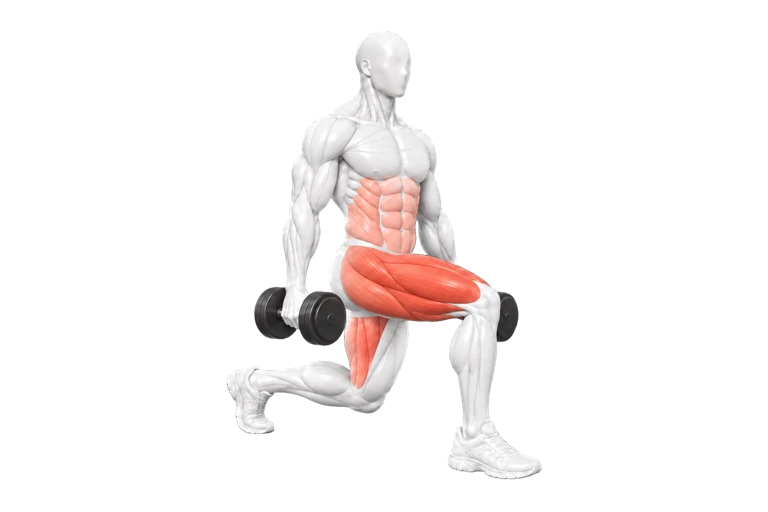
A few movements from the library. Make room for your own variations, too.
6 illustrated movements
03 / OUR PHILOSOPHY
Strength takes shape over time. In the small adjustments, the familiar movements, and the simple act of showing up.
We’re building Chisel to bring a little more care to that process. A quiet place to plan, record, and understand the work you put in.
A closer look at the appTHE NEXT CHAPTER
Six more ways to
make it yours.

04 / A CLEAR NEXT STEP
Your training history, made visual. See when you last worked each muscle group and get a suggestion for where to focus next.
EXPLORE ALL 14 MUSCLE GROUPS
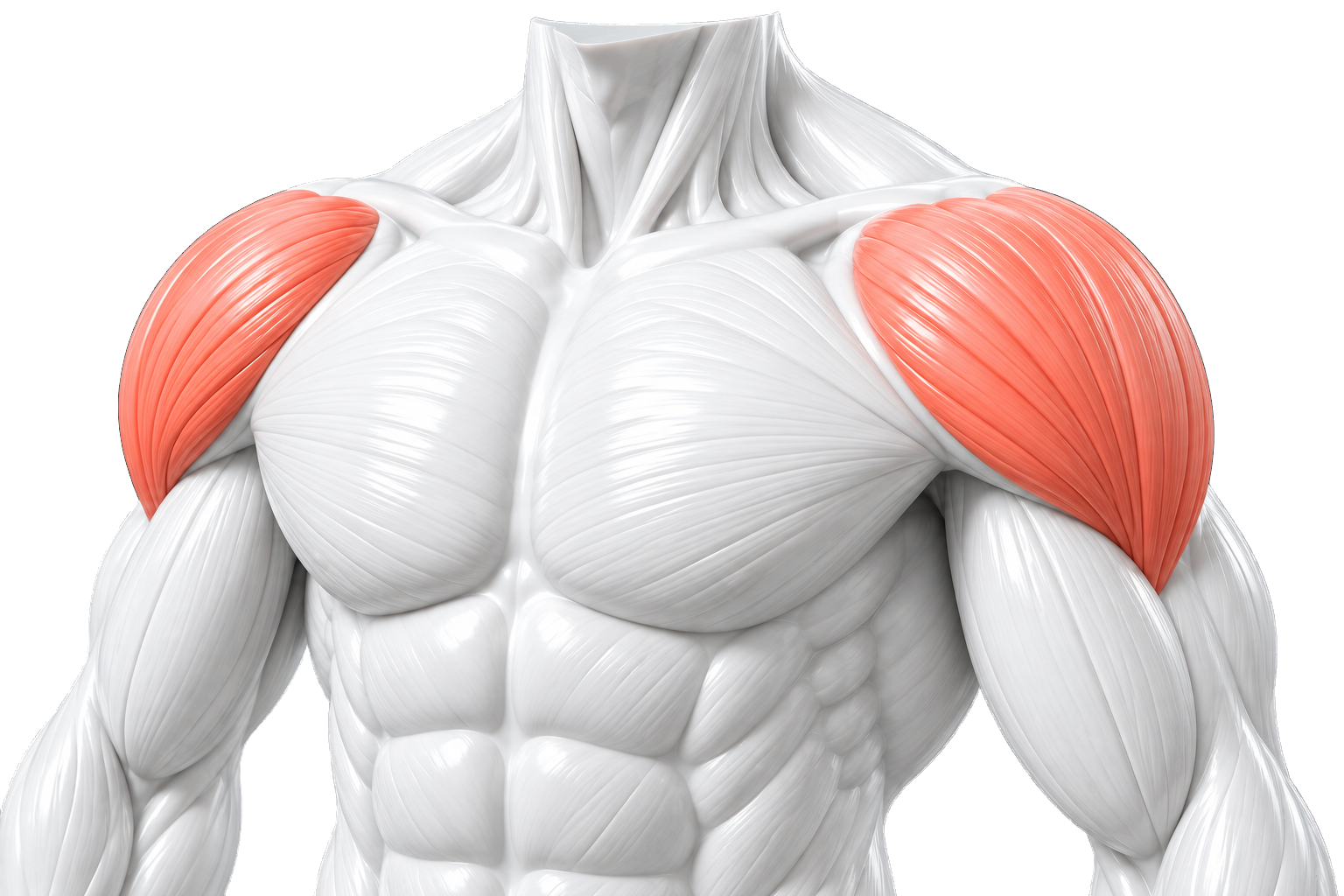
Chest, in focus.Choose a group to explore its anatomy.
After you’ve logged primary work for six different groups, suggestions point to the one whose primary training was longest ago. The coral in this anatomy preview highlights the selected group.
05 / A SESSION, COMPOSED
A few movements. A plan that feels like yours. Choose what’s in, set your defaults, and leave room to adjust.
Try composing a session below. This is a preview.
3movements
9planned sets
A little structure.06 / STAY WITH YOUR WORKOUT
Log a set without losing your place. Keep recent sessions close, adjust as you go, and take a timed rest whenever it helps.
YOUR PACE. TIMERS ALWAYS OPTIONAL.07 / PROGRESS YOU CAN SEE
Give every completed set a bigger picture. See how your training is balanced, follow your strength trend, and return knowing where you left off.
Compare completed sets across 14 muscle groups and spot the patterns in your training.
YOUR BODY / THE WHOLE PICTUREYour Strength Index starts at 100, bringing changes in logged performance and volume into one trend.
YOUR OWN STARTING POINT / YOUR PROGRESSSee the last three sessions for the exercise you’re logging, so your previous work is always close.
LESS SEARCHING / MORE CONTEXTBuilt from the sets you complete. The Strength Index describes your logged training; it isn’t a measure of recovery.
08 / BEYOND THE CATALOGUE
A favorite variation. A movement with your own name. Create a custom exercise and choose the muscle groups it belongs to.
YOUR MOVEMENT.A preview for exploring your ideas. Drafts here aren’t added to your workout library.
09 / GOOD TO KNOW
A few details to help you feel at home.
In Train, primary work starts at full color and secondary work at 35%. Both fade over seven days; the stronger current color is shown. This is a visual guide to your logged history. Exercise illustrations use coral shades to distinguish muscle roles. Neither represents measured recovery or muscle activation.
Yes. Start with muscle groups, choose your exercises, and adjust your sets. You can also create custom exercises and assign them to more than one muscle group.
No. Timers are optional. Log your sets with or without one, and train at the pace that works for you.
Record weight and repetitions, or seconds for timed movements. You can edit completed sets and look back at recent sessions while logging.
Chisel saves your workouts and preferences locally on your iPhone. No account is required, and there is no app-provided cloud sync. Deleting the app can remove its local history; device backups are controlled by Apple and your settings.
Balance shows completed sets by muscle group. Strength follows changes in logged performance and volume, and individual exercise views show your recent work. Your own completed sets build the picture over time.
YOUR NEXT CHAPTER, ONE SET AT A TIME.
Coming soon for iPhone. Free, with no subscriptions or account required.